
You have three option on what you can embed:
- Showroom (guided selling and all configurators)
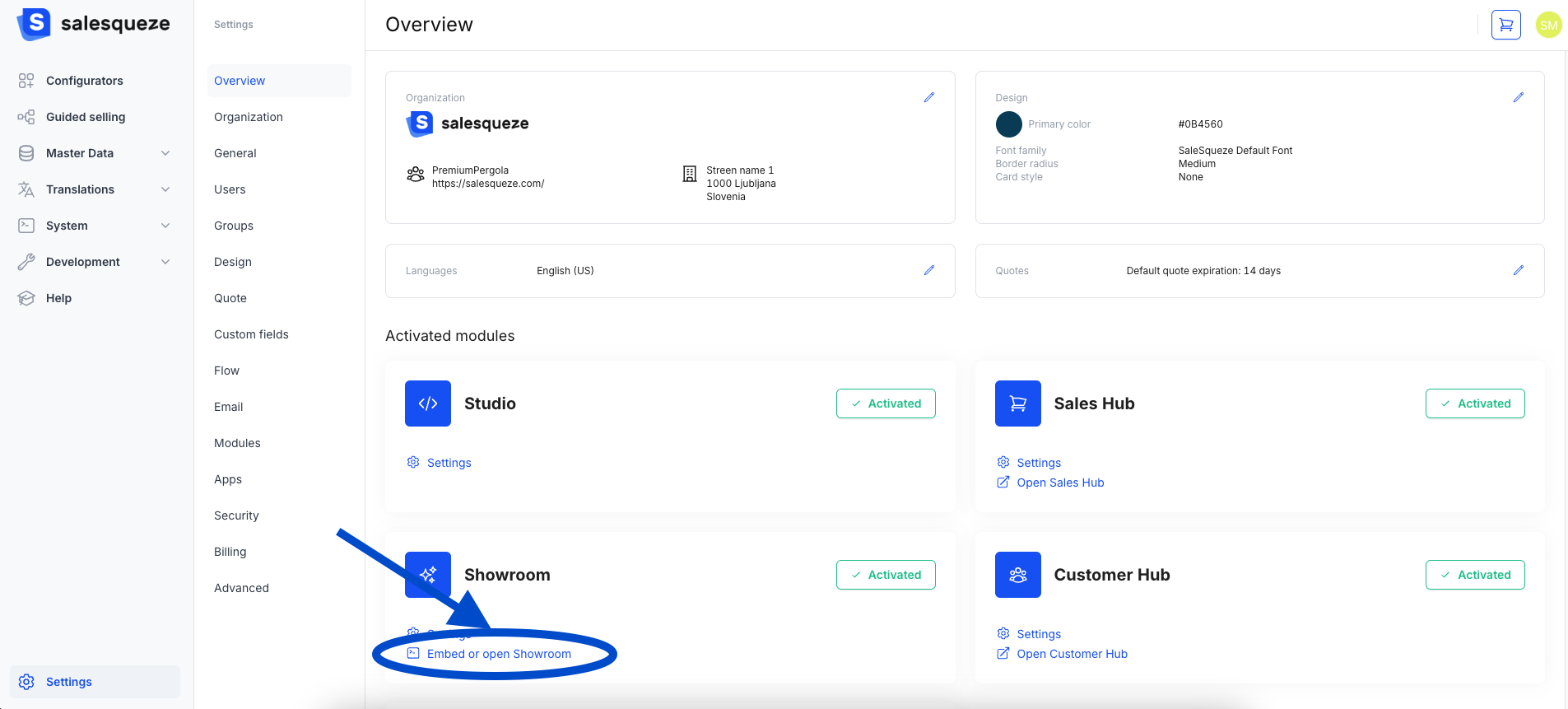
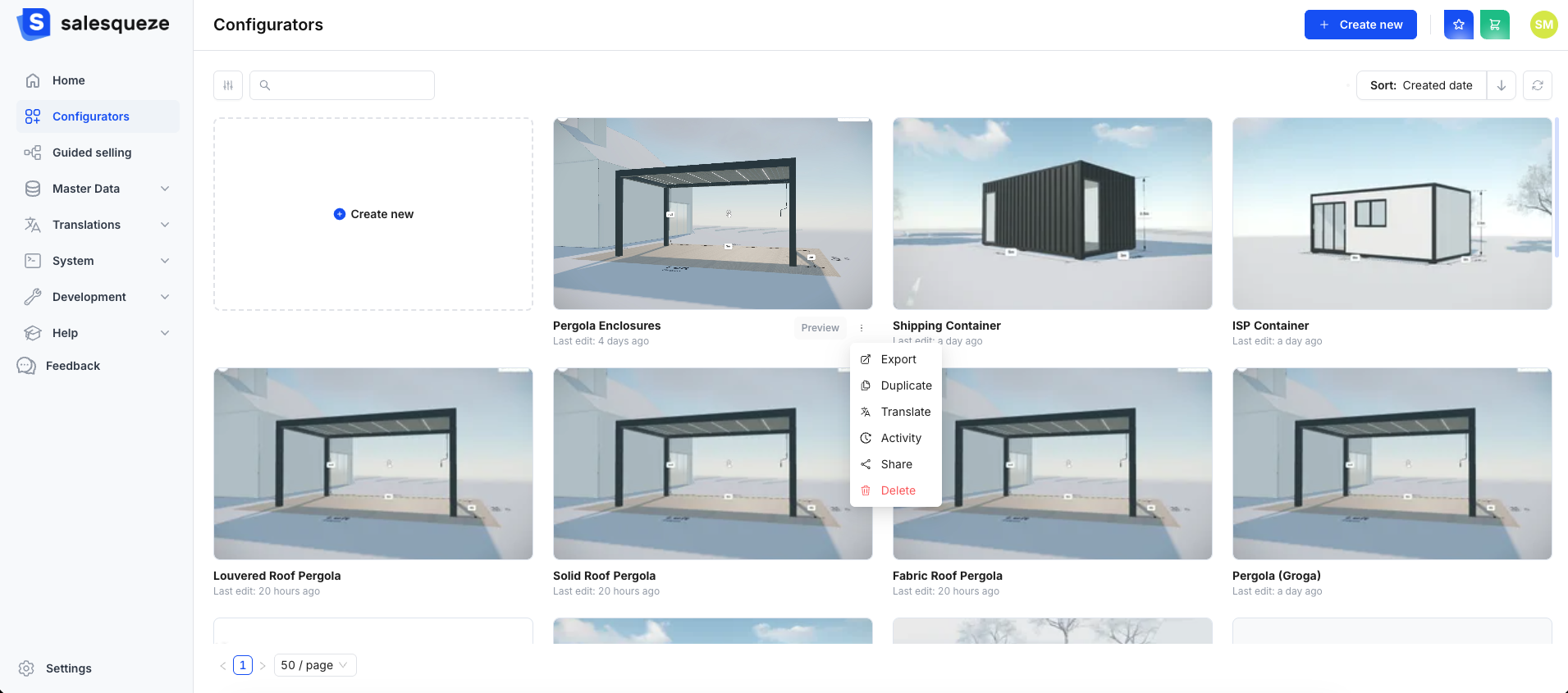
2. Configurators (each configurator separately)
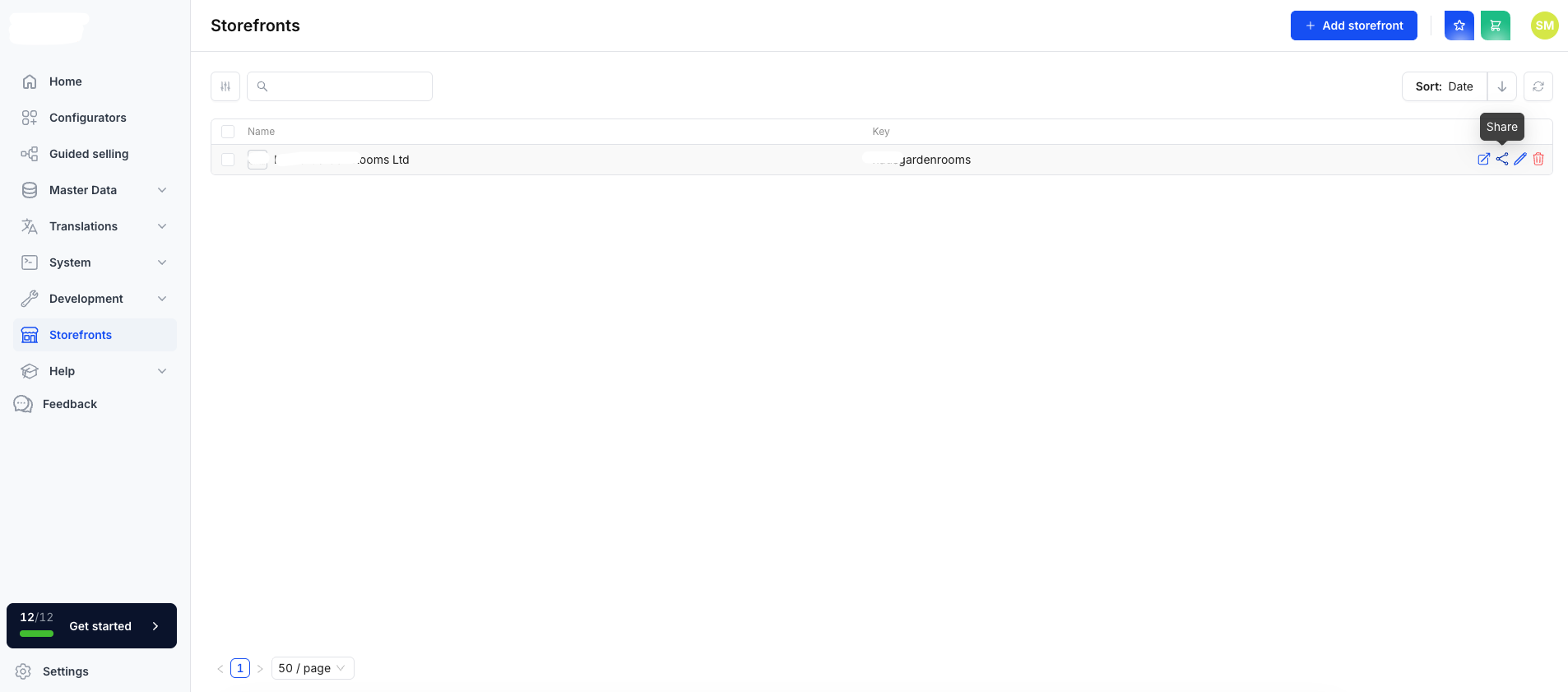
3. Storefronts (if you have this module)
Full guide is available in Studio and guides you through the whole process.
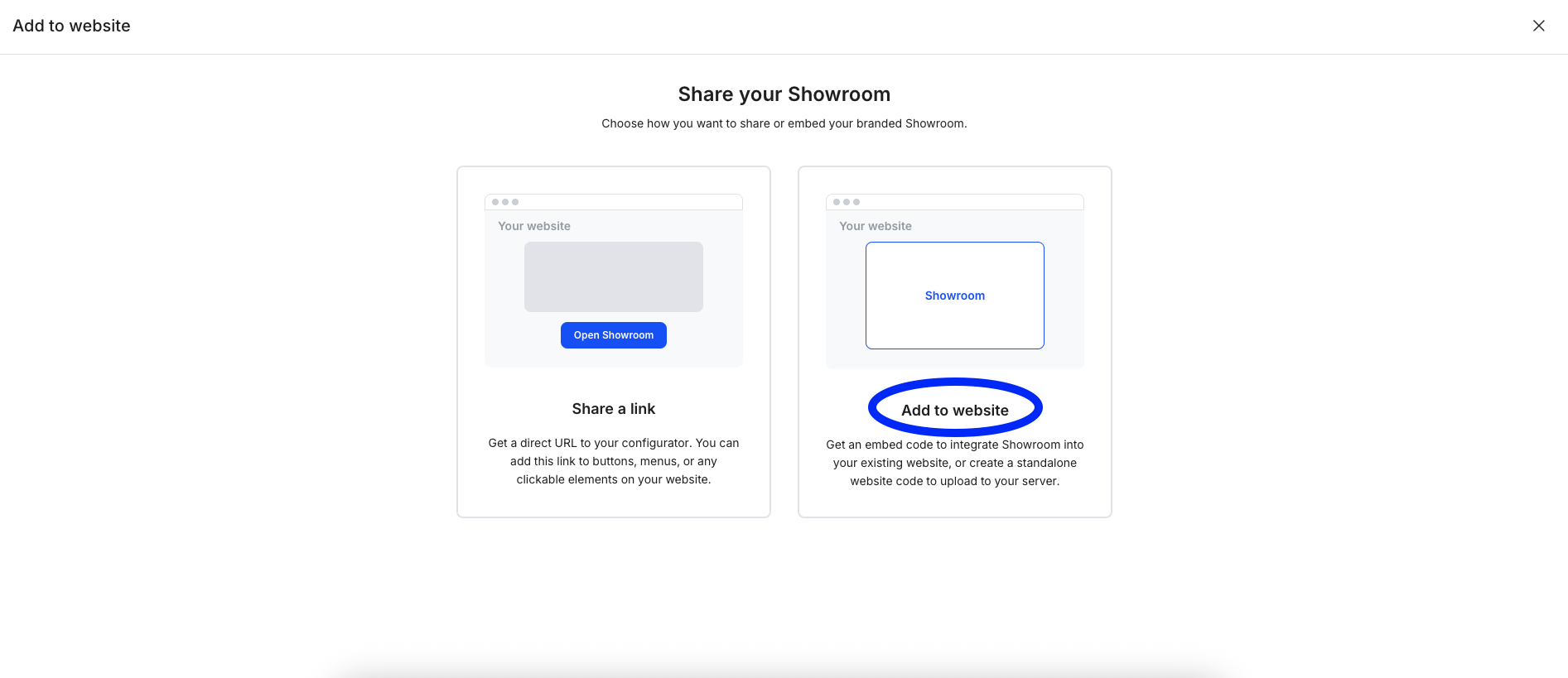
You have two basic options on how to connect Showroom/Configurators/Storefronts to your website, Share a link or Add to website.
Share a link
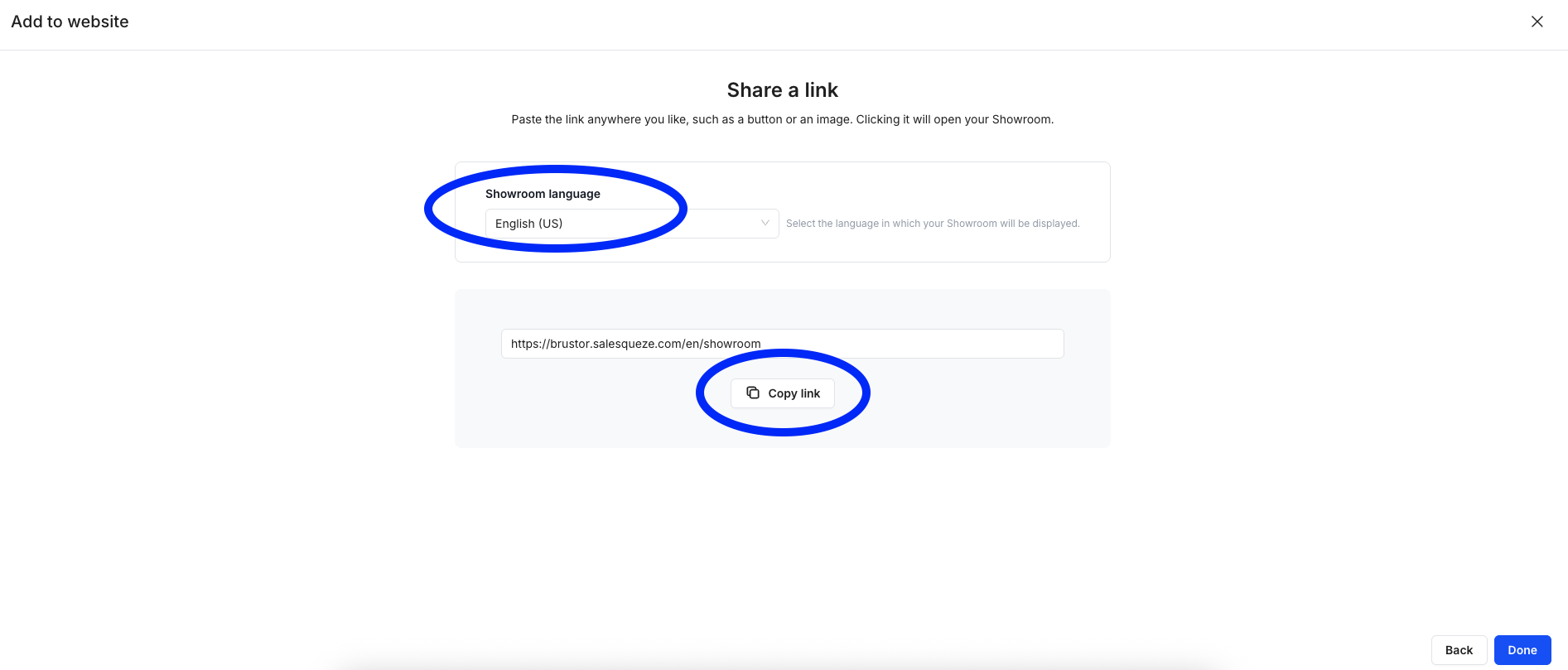
Share a link means adding a link to a dedicated button or any clickable elements on your website (allowing customers to access the configurator through a button on website), which will redirect the customer to Showroom/Configurators/Storefronts page. You can get link (direct URL) to your configurator with clicking a Share a link option:
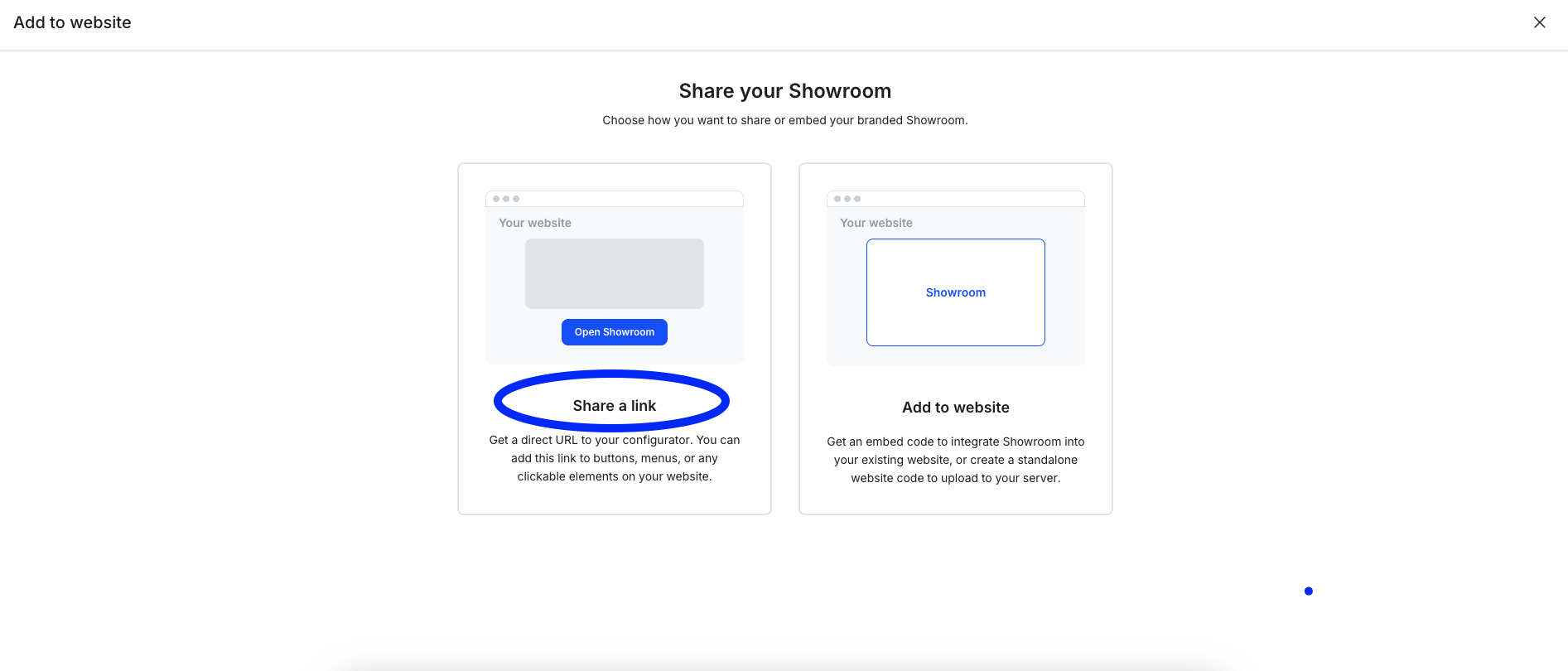
You can select a specific Showroom/Configurators/Storefronts language and easily Copy link and paste it to your website.
Add to website
Add to website means to integrate the configurator directly into your existing website or upload a standalone website code to upload to your server.
Guide in Studio will guide you through all options – once finished, you have option to:
- Copy code
- Download file
- Copy instructions link
- Send instructions.
With those options, instructions can be easily shared or sent to your website provider.